Hardware licensing (standard)
-
Use the customer key to create a so-called request file in the pop-up menu:
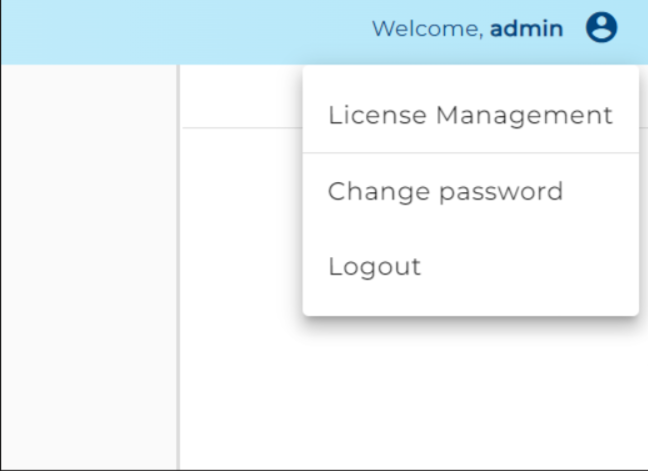
- Open the user menu and call up "License Management"
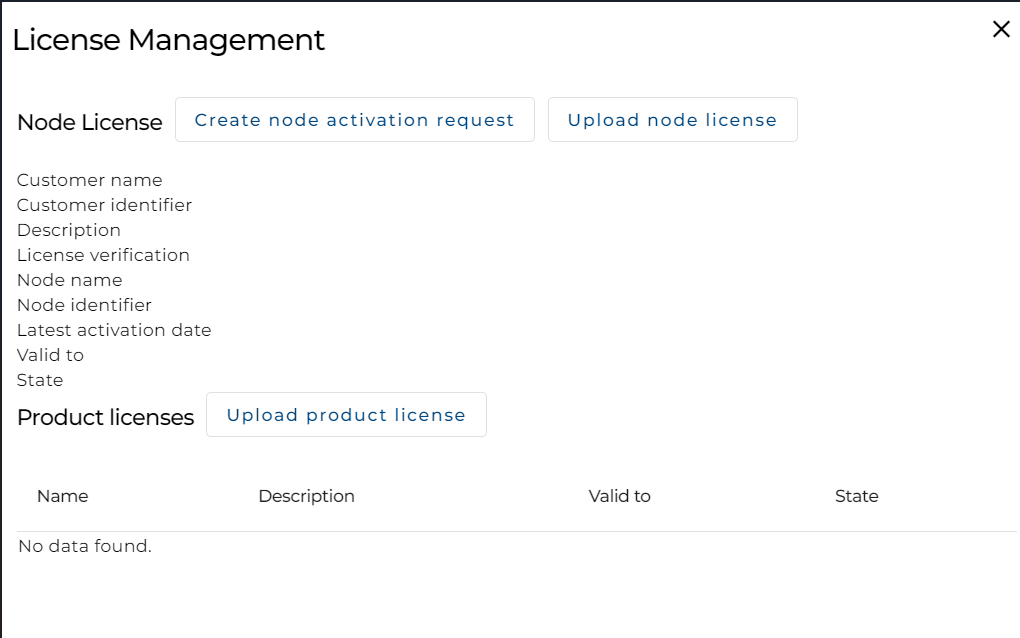
- Click on "Create node activation request" to call up "Activation request"

- Enter the customer key that you were given in advance.
warning
Do not confuse the customer key with the activation key for product licenses!
- Select one of the possible system types (development, test, or production).
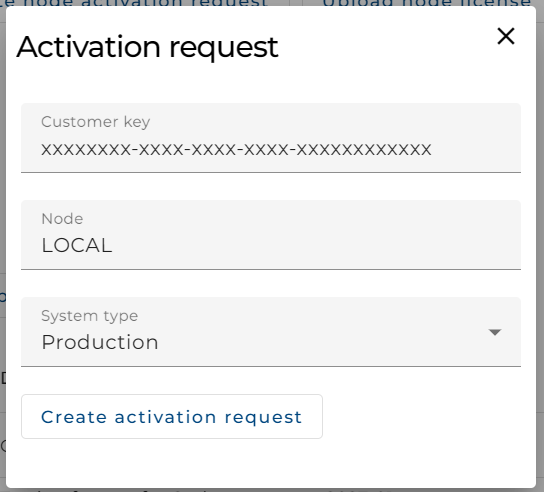
- Click on "Create activation request" to start downloading the request file.
- Open the user menu and call up "License Management"
-
Send the generated request file by email to
licensing@soffico.de. -
After receiving the required information, the soffico licensing team creates a so-called response file
and sends it to you by email. -
Upload the response file to
Solution Hub:- Click on "Upload node license"
- Select the response file

-
The
Solution Hubhas now been successfully licensed.